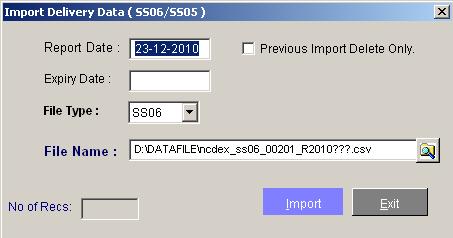
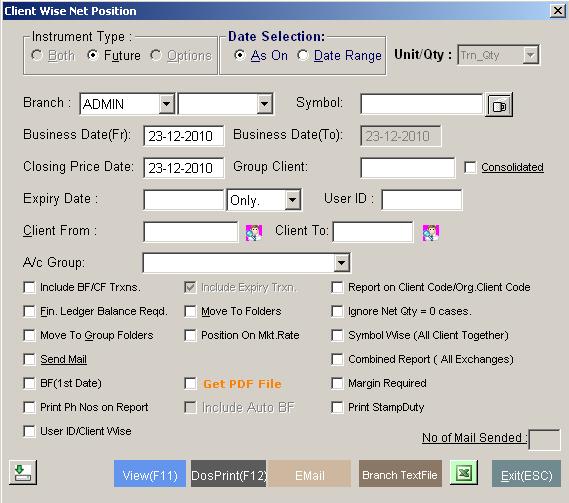
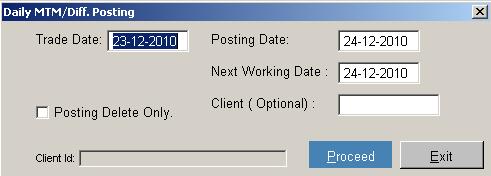
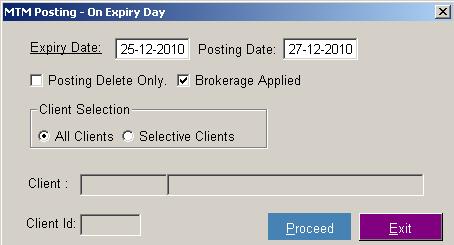
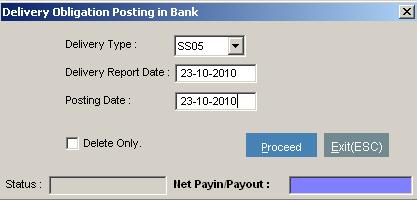
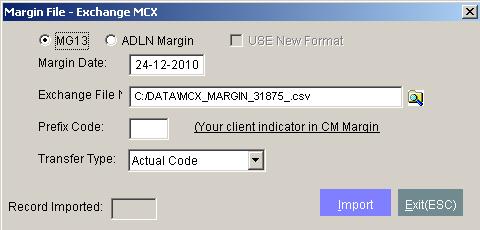
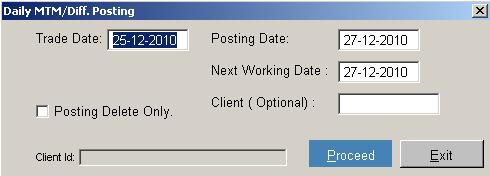
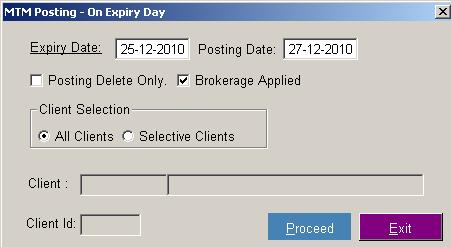
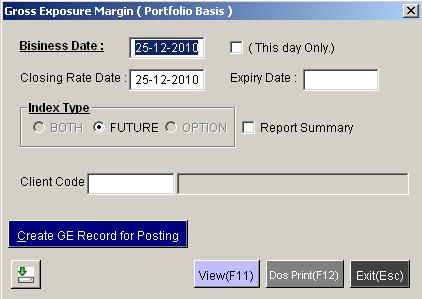
- Double click on commex.exe icon(as shown below)
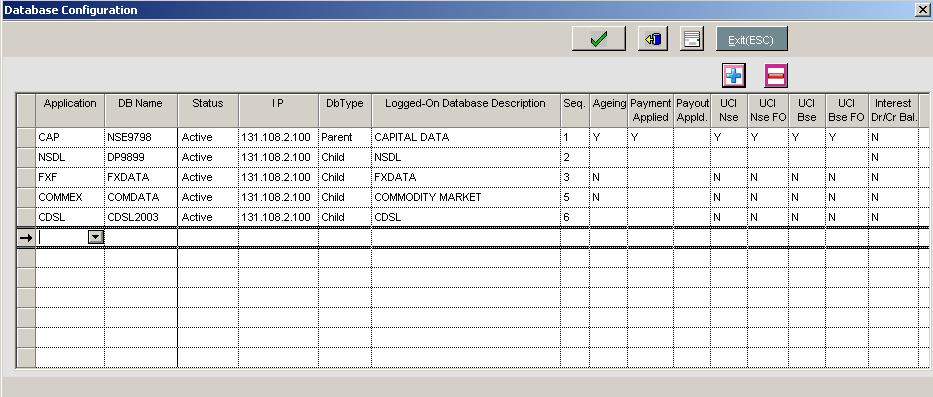
- Following Window will open
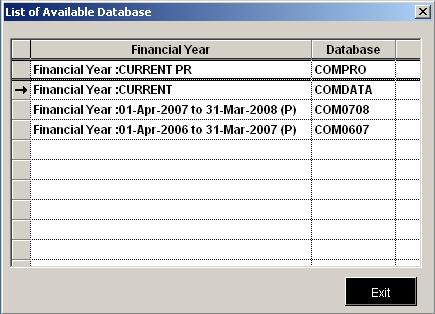
- select database in which you want to work
- After database selection,login window will open (as shown below)

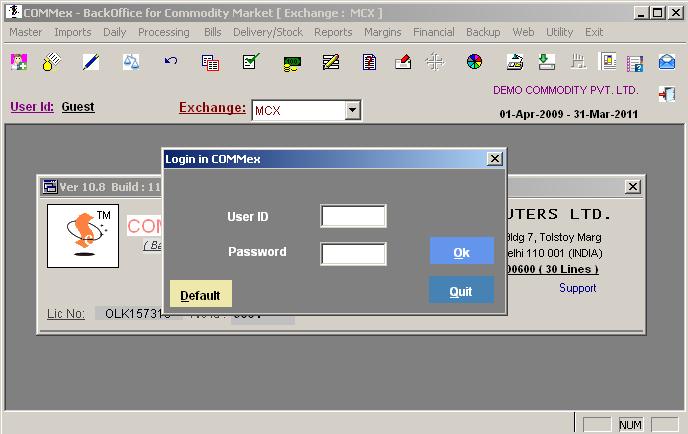
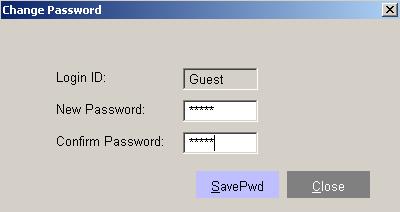
Enter userid and password or login by default
Table of contents
Commex is the latest state-of-the-art Multi-Commodity software for Indian Commodity Exchange like NCDEX, MCX , ICEX, NMCE, ACE etc. that will help you become more efficient, competitive and highly productive Service Center for Commodity Market and you can extend your business into a global market. Commex is used extensively throughout Asian market by some of the largest broking firm in India. Extensive functionality includes Client Data Management, Trade Done, Daily MTM Bills, Margin Management, Corporate Actions and Accounting. Commex is very user friendly, tried and time tested software with all functionality of Commodity Market Segments which covers all exchange based compliances and your client needs. Whether you are small stock broking house or big, this software includes essential integrated functions for effective and accurate accounting.
TopEnter userid and password or login by default
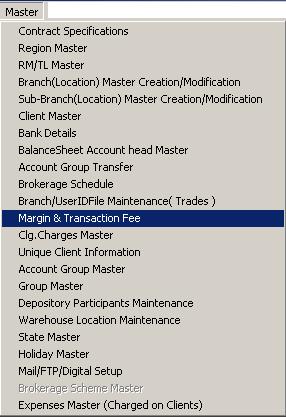
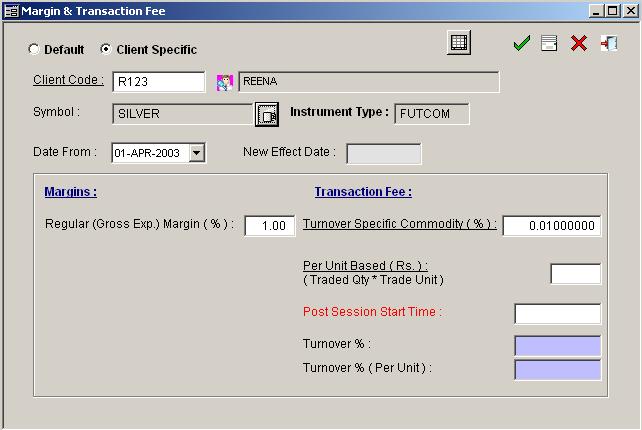
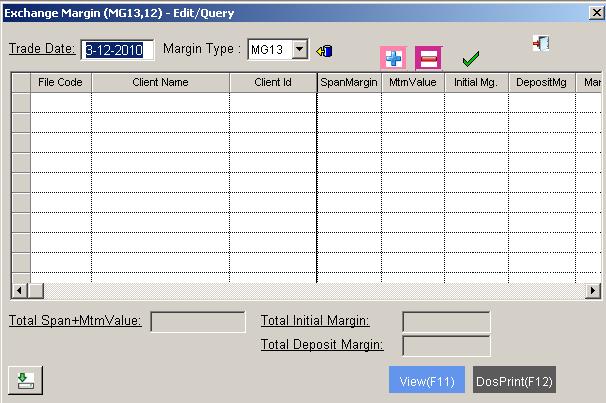
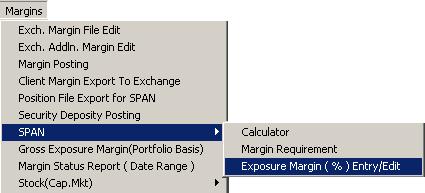
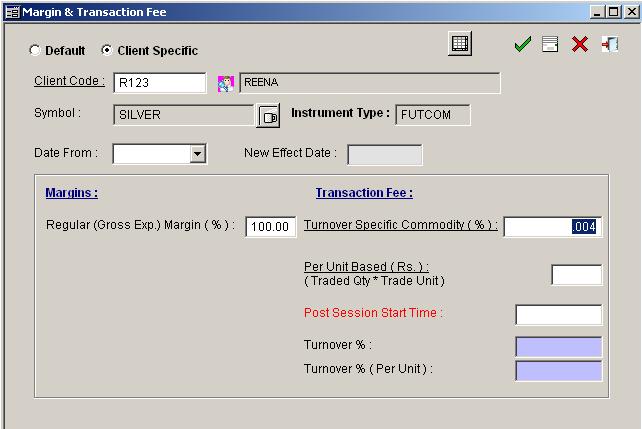
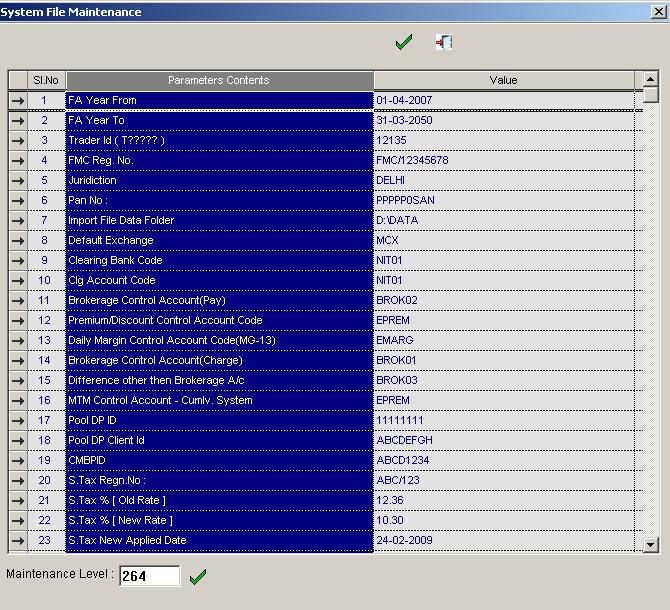
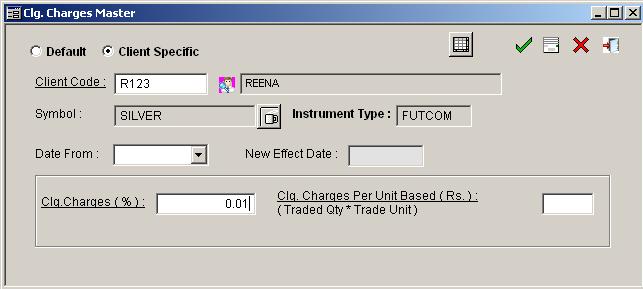
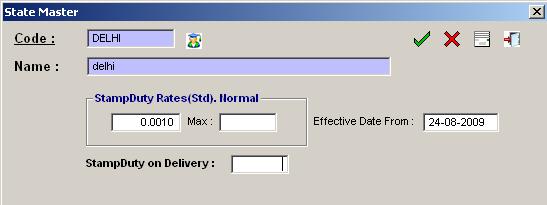
Transaction fee is default set by NCDEX,which is 0.0004% chargeable from CLIENT and paid to Exchange and Sub -Broker to Main Broker. In this option we can define exposure Margin also on %age basis.
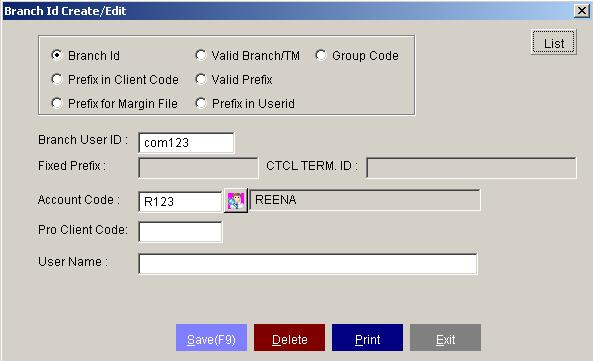
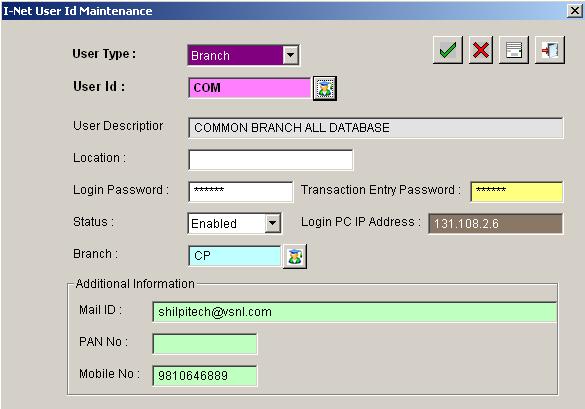
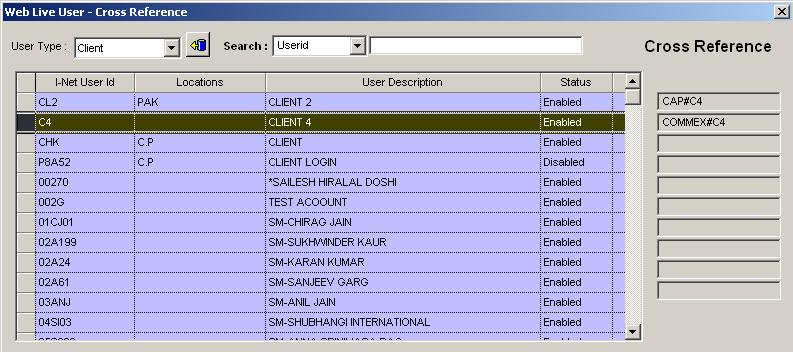
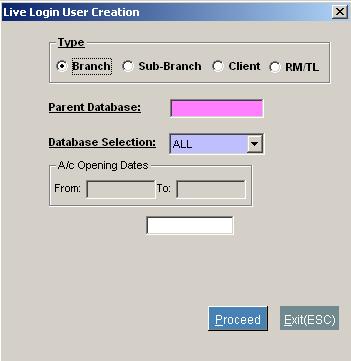
If a member of any exchange wish to open Branch Office at different location then he can maintain the branch details i.e.Branch name,User ID and other details. OR If main member or the branch has alloted id's to other clients and wish to maintain trade ID wise,he has to define User ID and the client code to get the relevent information.
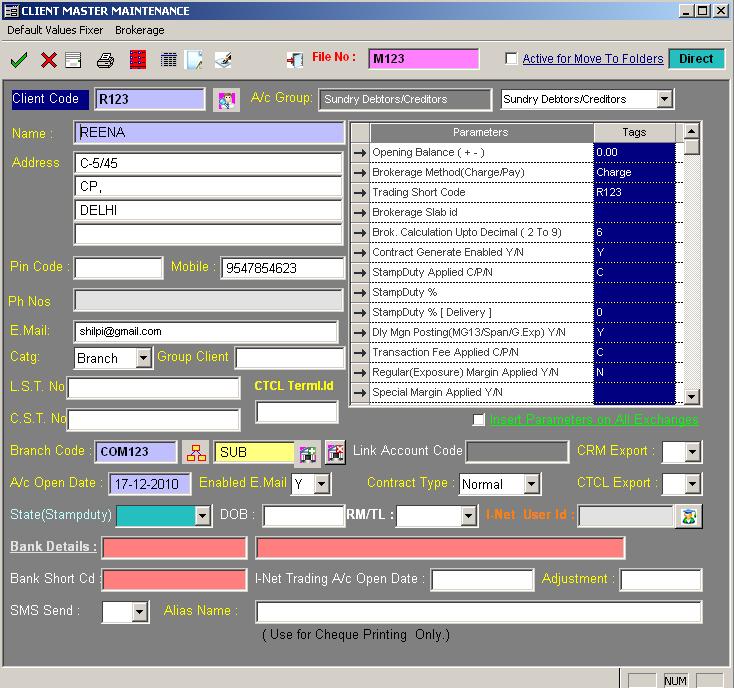
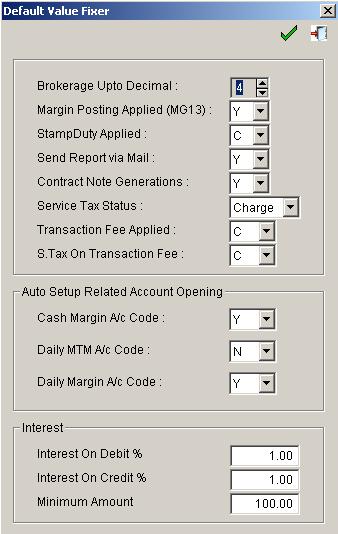
To maintain clinet account fixers go to Client master and Default value Fixer and define client's related information setting.
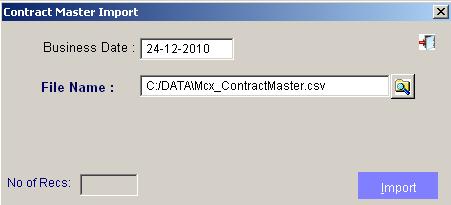
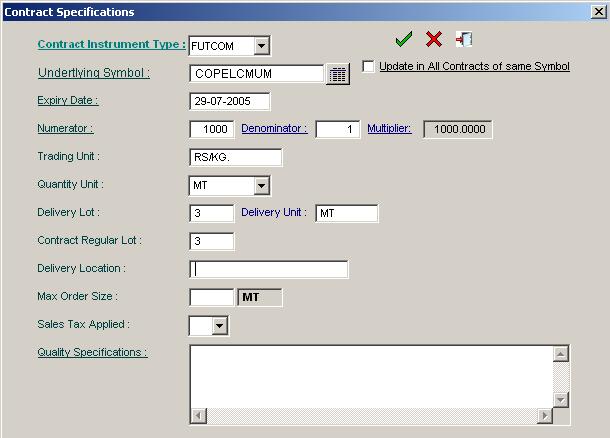
This option provides details about commodities.After importing Contract Specification file,all the information
related to contract symbol would automatically added into the database.
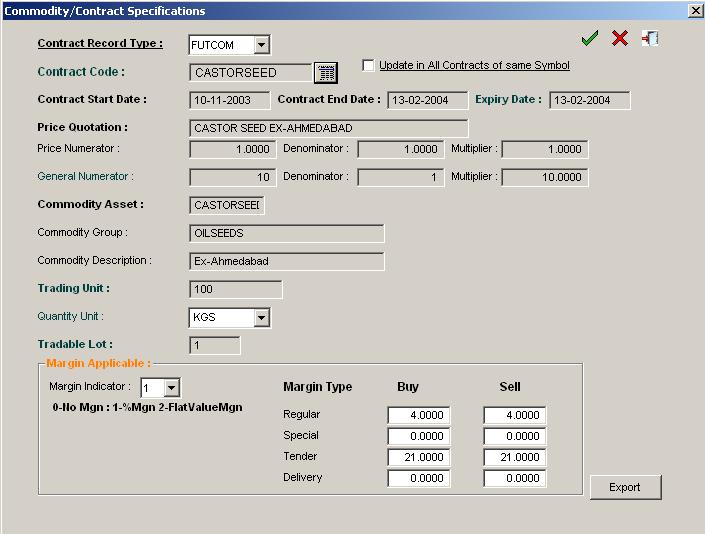
In MCX all contracts having margin indicator with % will be added automatically
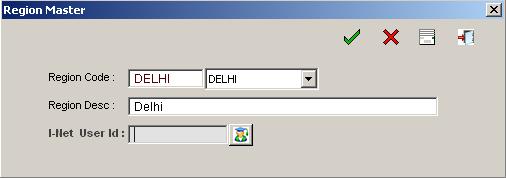
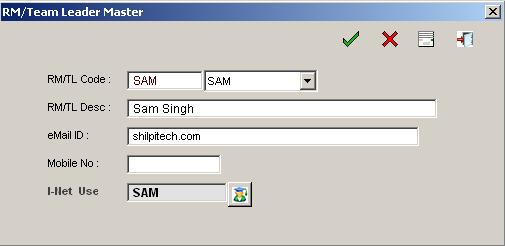
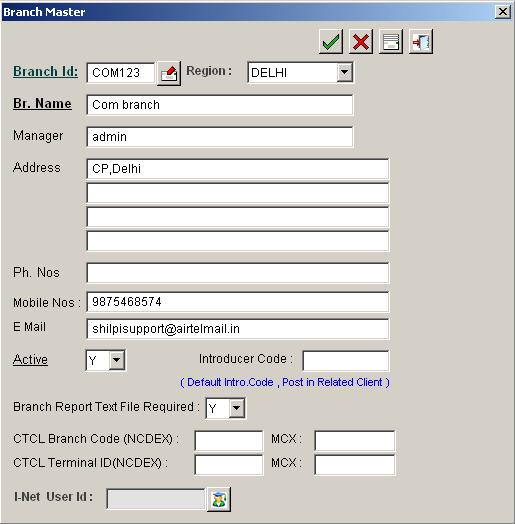
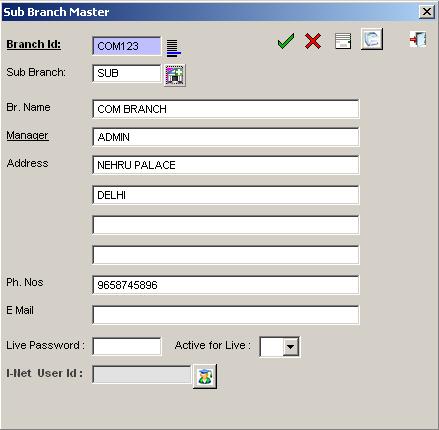
To maintain client’s information, first of all users have to define a unique code along with its related information in this option. User has to define all the information given in the following screen.
Default Value Fixer With this option, user can define default values while opening account
| S.No | Parametere's Name | Description |
|---|---|---|
| 1. | Opening Balance(+ -) | 0.00 (If any); select minus (-) sign for debit balance and + for credit balance |
| 2. | Brokerage Method(Charge/Pay) | Charge(C)/Pay(P) (C: Charge from Sub Broker or client for main broker and P: Pay to Main Broker for sub broker only) |
| 3. | Trading Short Code | Terminal Client Code. But not necessary. |
| 4. | Brokerage Slab Id | Enter brokerage slab id |
| 5. | Brok. Calculation Upto decimal(2 to 9)) | Client can define decimal place (2 to 9) for brokerage calculation. |
| 6. | Contract Generate Enabled Y/N | Enter Y to generate contract note otherwise enter N |
| 7. | Stamp Duty Applied(C/P/N) | Enter C for charge; P for Pay; N for not applicable |
| 8. | Stamp Duty % | Define Stamp Suty percentage |
| 9. | Stamp Duty %(Delivery) | Define Stamp Duty percentages applied on Delivery |
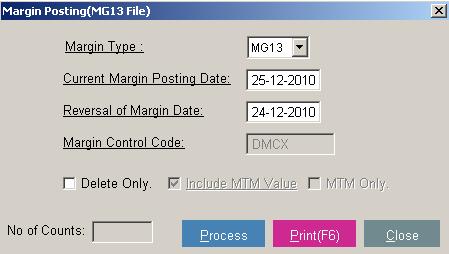
| 10. | Dly Mgn Posting(MG13/Span/G.Exp)Y/N | If wants to post daily margin then Enter Y otherwise N |
| 11. | Transaction Fee Applied C/P/N | Enter C for Charge; P for Pay; N for not aplicable |
| 12. | Regular(Exposure) Margin Applied Y/N | write Y if wish to calculate Exposure wise flat margin other wise N |
| 13. | Special Margin Applied Y/N | Enter Y to apply special margin otherwise enter N |
| 14. | Delv. Margin Applied Y/N | Enter Y to apply margin otherwise enter N |
| 15. | S.Tax Method(C-Charge,P-Pay,I-Ignore) | Enter C for charge, P for pay; I for ignore tax Cash |
| 16. | Cash Margin Account Code | Define seperate cash magin account code for main code |
| 17. | Dly MTM Account Code | It will automatically update M+Client Code (separate MTM a/c) (N/A) |
| 18. | Dly Margin Account Code(Mg13) | It will automatically update D+ Client Code (separate daily margin a/c |
| 19. | DP ID | Client’s depository id |
| 20. | DP Client ID | Client’s unique id nos. from that depository |
| 21 | Introducer Account code | Client’s first introducer code. |
| 22. | Introducer Account Code-2 | Client’s second introducer code |
| 23. | Introducer % for 2ND | Client’s second introducer percentage. |
| 24. | Intoducer Account code-3 | Client’s third introducer code. |
| 25. | Intoducer % for 3RD | Client’s third introducer percentage. |
| 26. | Intrest on Debit Balance(Rate of Int. %) | Define interest percentage on debit balance |
| 27. | Intrest on Credit Balance(Rate of Int. %) | Define interest percentage on credit balance |
| 28. | Intrest on Debit Balance(Applied when Int.) | Interest on debit balance is applied when intrest is greater then the interest defined here |
| 29. | Pan No | Enter pan no |
| 30. | Serv. Tax on traxn.Fee C/P/N | Write C for charge ; write P for pay ; write N for not applicable |
| 31. | Other Charges % | Define other charges percentage |
| 32. | Account Status | Write Disable or D to disable the account status or Enable or E to enable |
| 33. | Account Status Changed Date | Enter account status date from when account status is applied |
| 34. | Clg. Charges Applied C/P/N | Write C if wants to charge ; write P if wants to pay ; write N for not applicable |
| 35. | S.Tax Applied on Clg. Charges C/P/N? | Write C if wants to charge ; write P if wants to pay ; write N for not applicable |
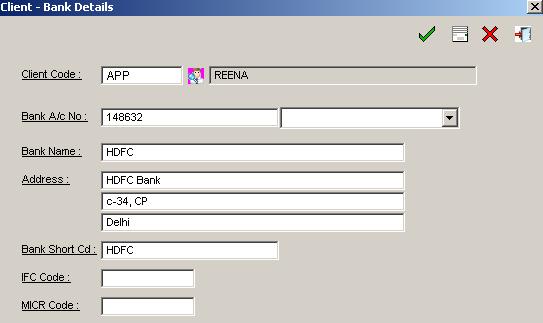
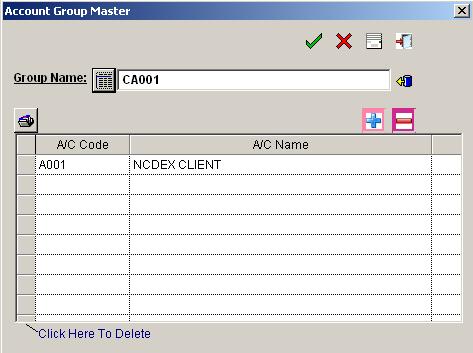
To create Balance Sheet Account Head for financial entries such as Bank, Cash, and Expenses advances & other Journal entries etc user can create a/c code and name from this option.
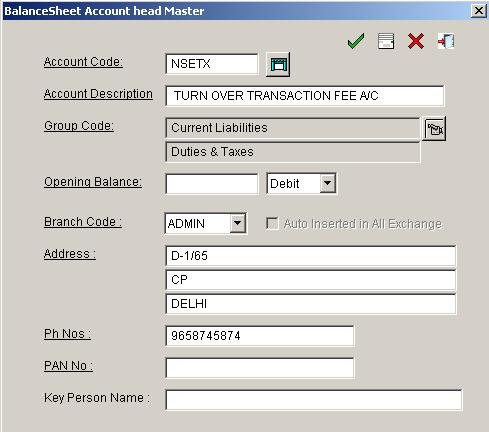
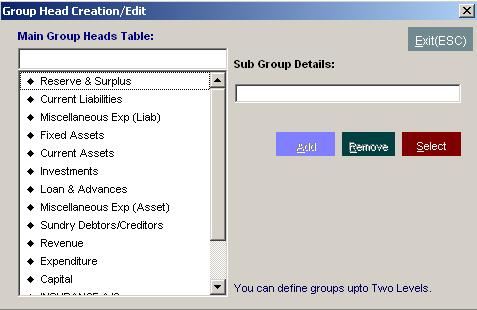
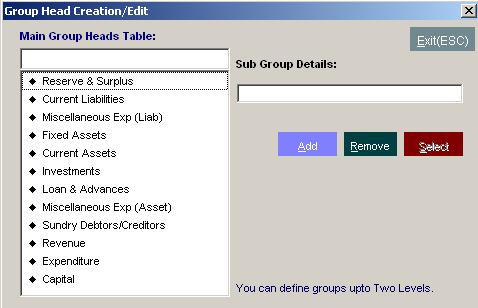
Click Balance Sheet Account Head Master, Give Account Code, Account Description, Account Group and SAVE For Example: Cash Account under Group Cash in Hand Bank Account under Group Bank Account under Current Assets Expenses account under Group Expenditure Account
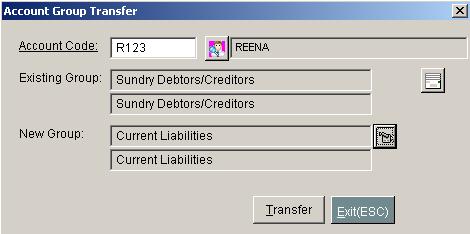
By mistake if we have created any account in some group, with this option we can transfer the existing group to the new group.
Here user can define brokerage as per client. In following manner:
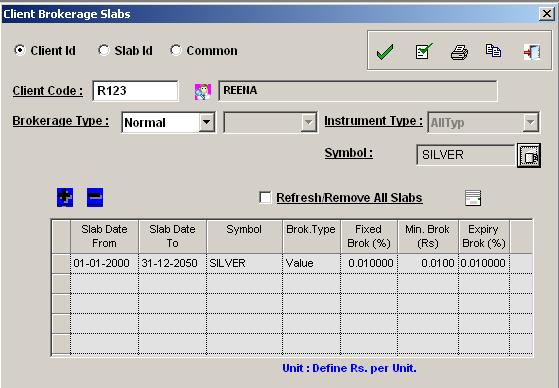 Client wise -(Means create all client’s brokerage separately using this method)
It means that if you have 100 clients then you have to create brokerage hundred times.
Slab ID -(Means you can define slab id system and then select the slab id provided in Client Master;
it means that you create slab1 for .5%, slab2 for .3%, slab3 for .4%.And select this slab id from Client Master.
Common - Means if user will define brokerage here then it will be applicable to all client’s
having without brokerage; and (in this case User will not have to define all clients’ brokerage.)
Note:Define Brokerage 0% for NCDEX or MCOMM or PRO while setting Common brokerage
We can define brokerage separately with Fixed (%), Minimum (in paisa) & Expiry (%) parameters. Minimum brokerage
will be defined in Rs and paisa (like (11.15)); if the calculated % brokerage is less than the minimum brokerage
then the minimum brokerage will be charged.
User can define symbol wise brokerage either Unit based (which is charged in rupees) or percentage wise as per
their requirement. User can define delivery brokerage, which is applicable at delivery entry time provided at
delivery section.
Client wise -(Means create all client’s brokerage separately using this method)
It means that if you have 100 clients then you have to create brokerage hundred times.
Slab ID -(Means you can define slab id system and then select the slab id provided in Client Master;
it means that you create slab1 for .5%, slab2 for .3%, slab3 for .4%.And select this slab id from Client Master.
Common - Means if user will define brokerage here then it will be applicable to all client’s
having without brokerage; and (in this case User will not have to define all clients’ brokerage.)
Note:Define Brokerage 0% for NCDEX or MCOMM or PRO while setting Common brokerage
We can define brokerage separately with Fixed (%), Minimum (in paisa) & Expiry (%) parameters. Minimum brokerage
will be defined in Rs and paisa (like (11.15)); if the calculated % brokerage is less than the minimum brokerage
then the minimum brokerage will be charged.
User can define symbol wise brokerage either Unit based (which is charged in rupees) or percentage wise as per
their requirement. User can define delivery brokerage, which is applicable at delivery entry time provided at
delivery section.If a member of any exchange wish to allot user id to Branch Office or
individual client in different locations,he can maintain the Branch Id details i.e.Branch or client user id and
id's releted client code and pro trades code details.Means if main Broker has given ID to sub broker and wish to
have seperate trade ID wise; he has to define User ID and client code to get the relevent information.



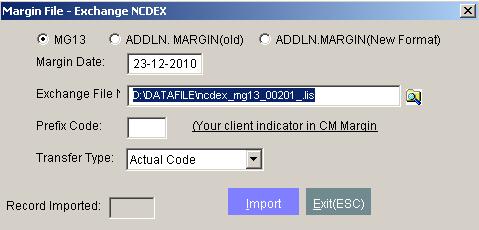
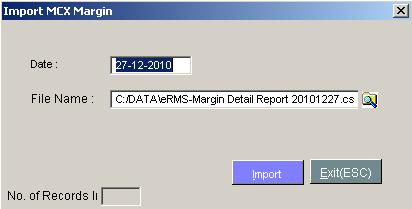
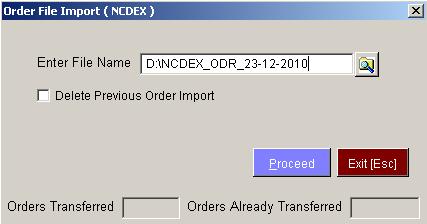
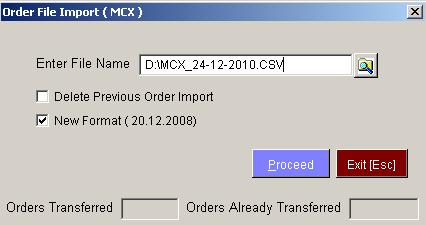
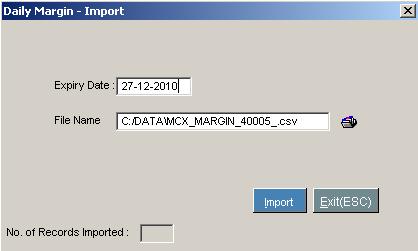
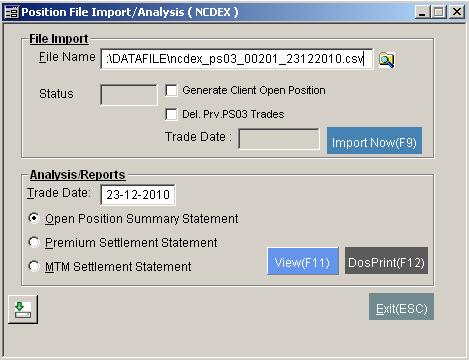
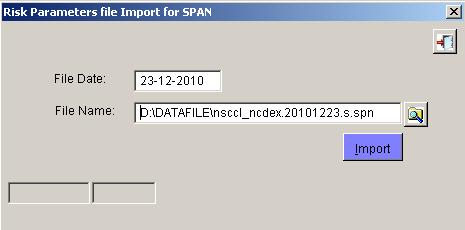
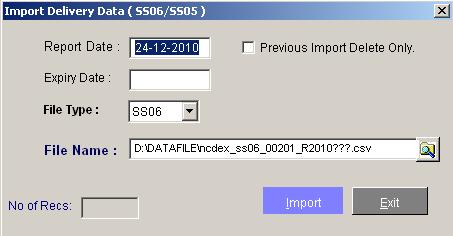
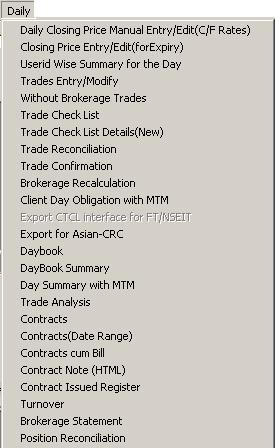
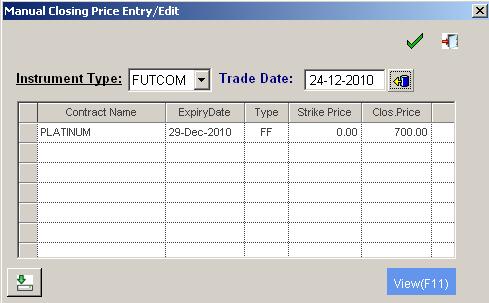
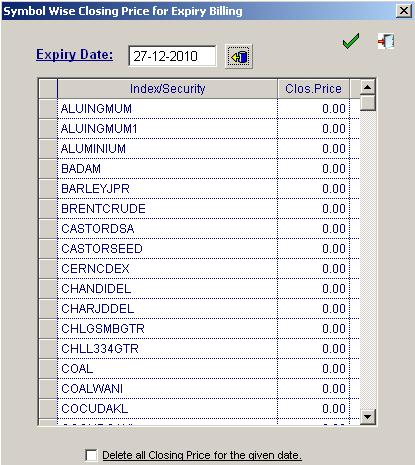


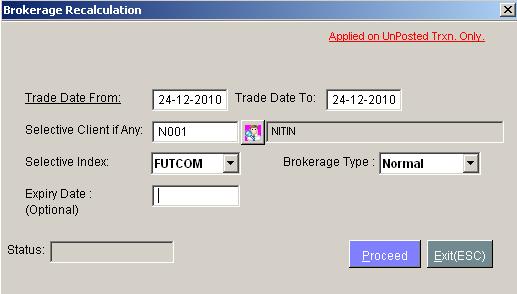
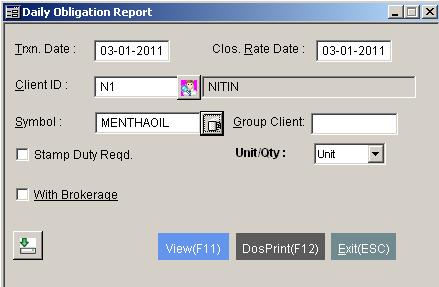


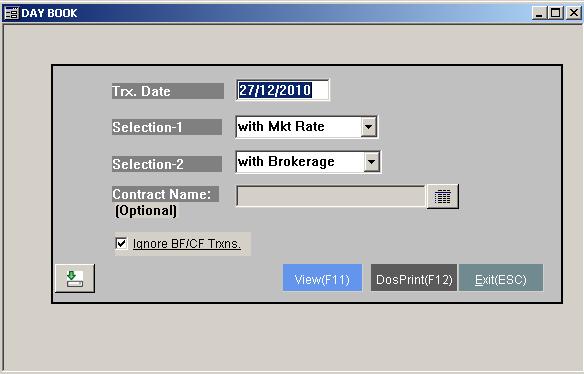
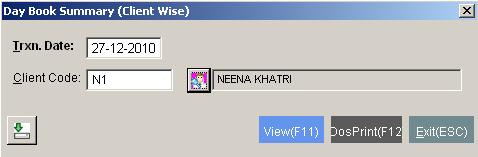
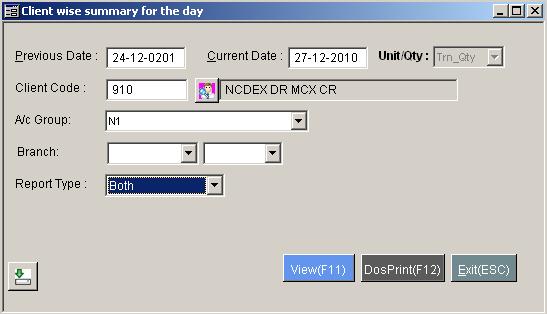

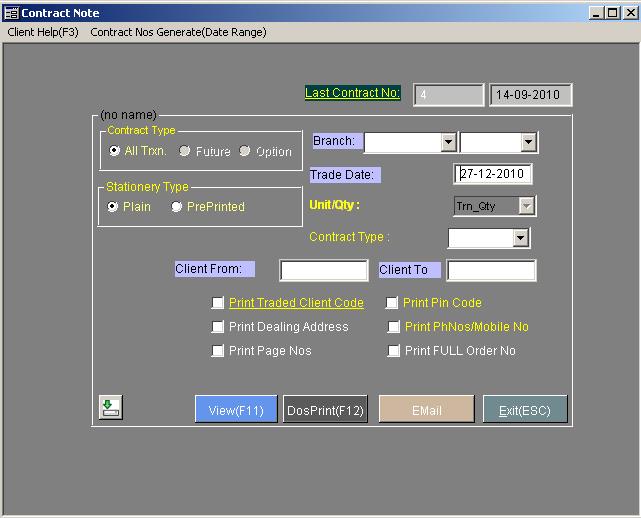
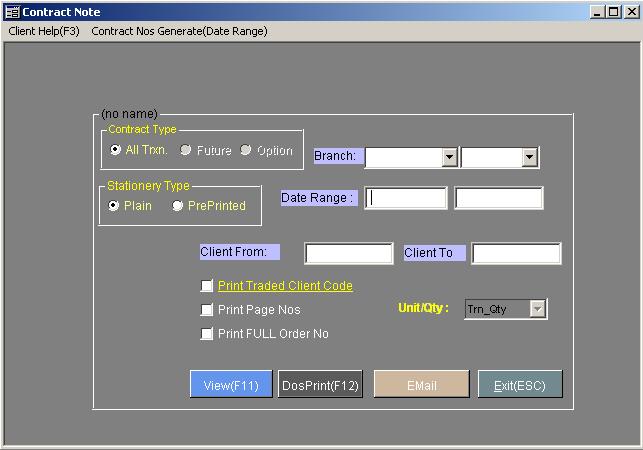
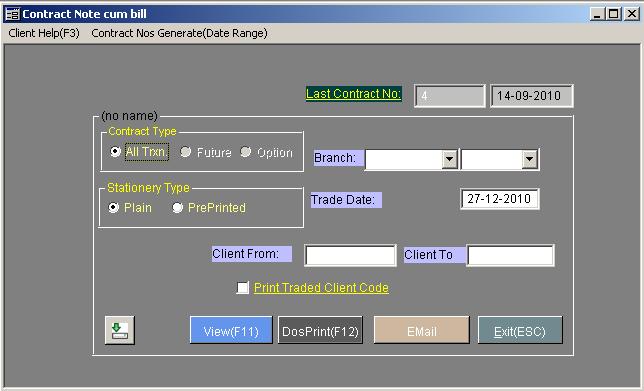

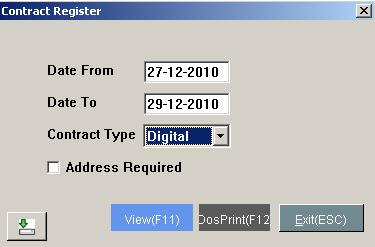

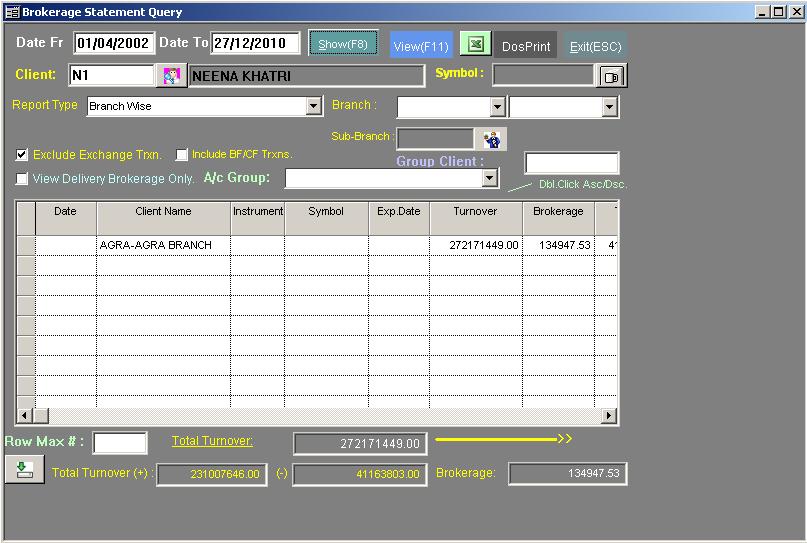
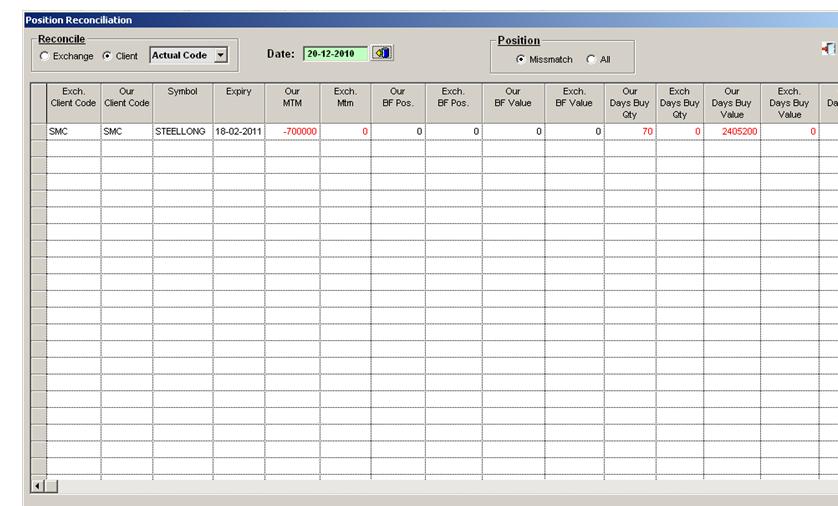

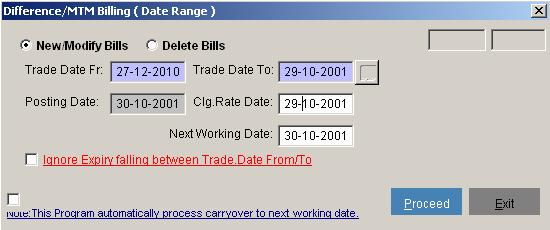
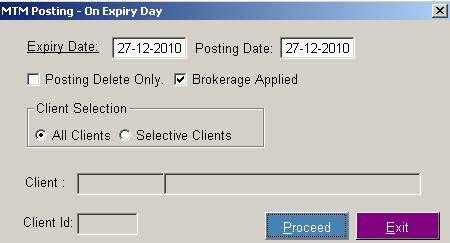
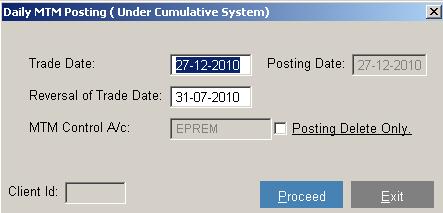
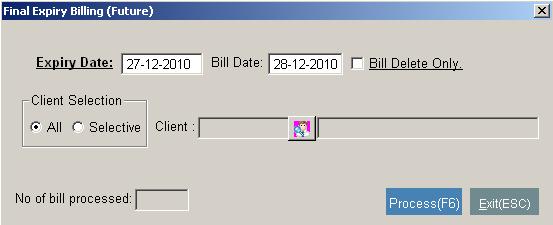
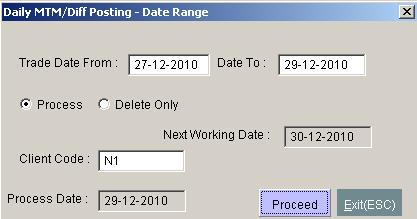
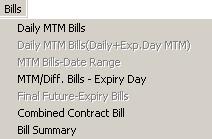
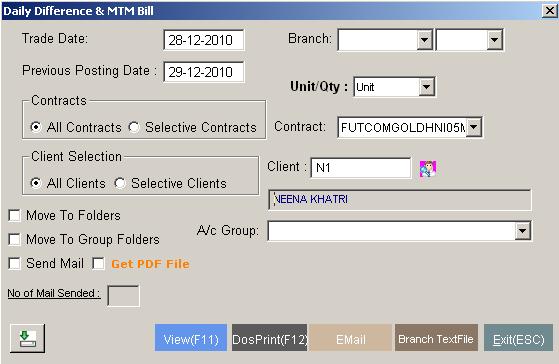
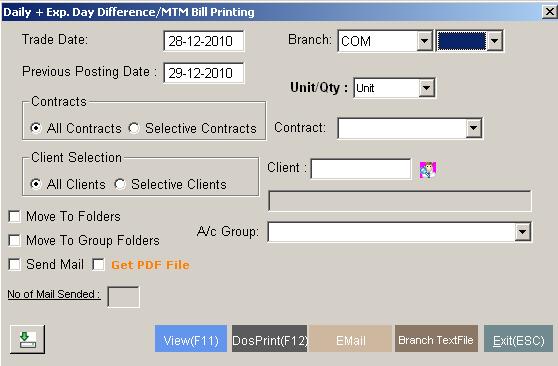
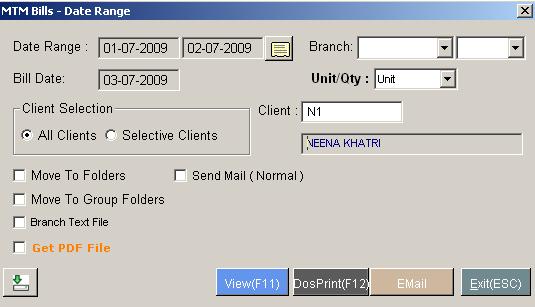
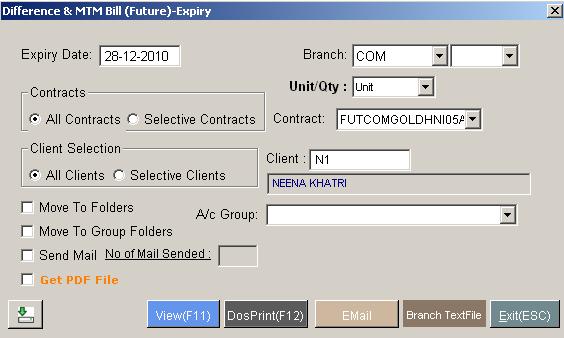
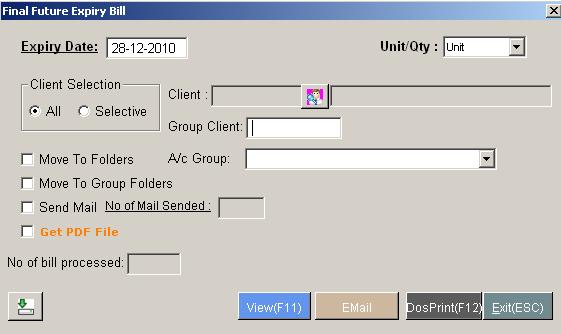
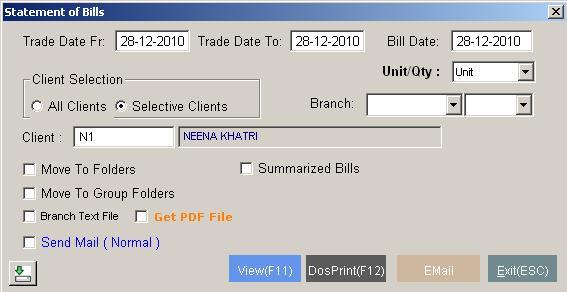
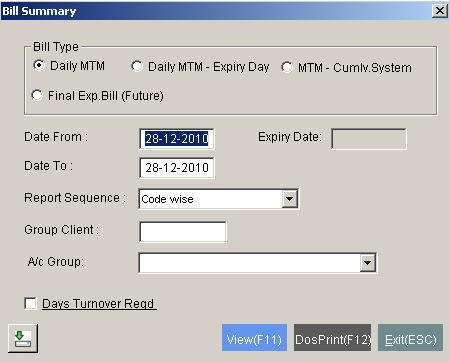
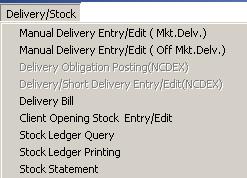
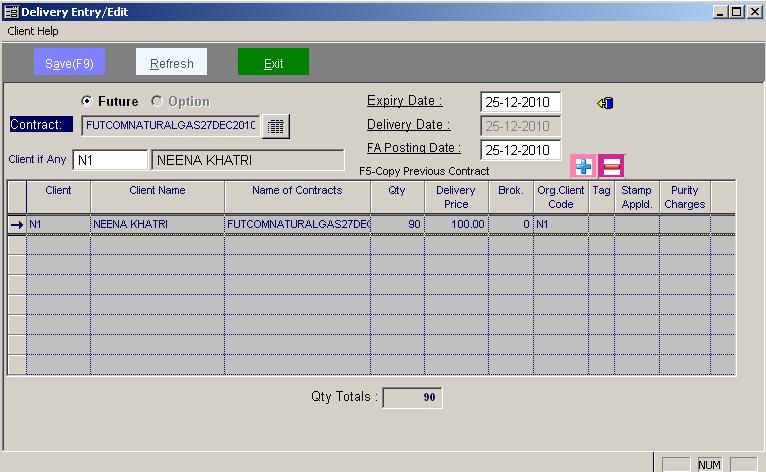
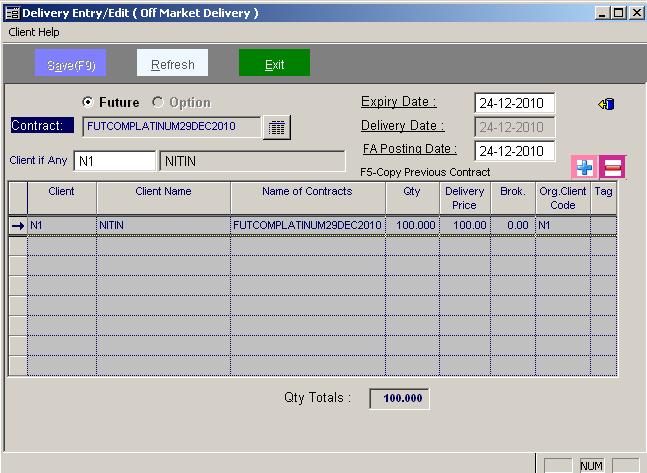
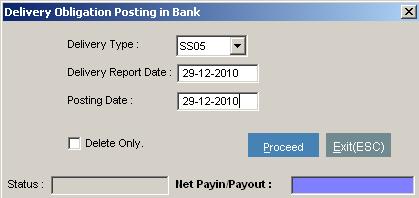
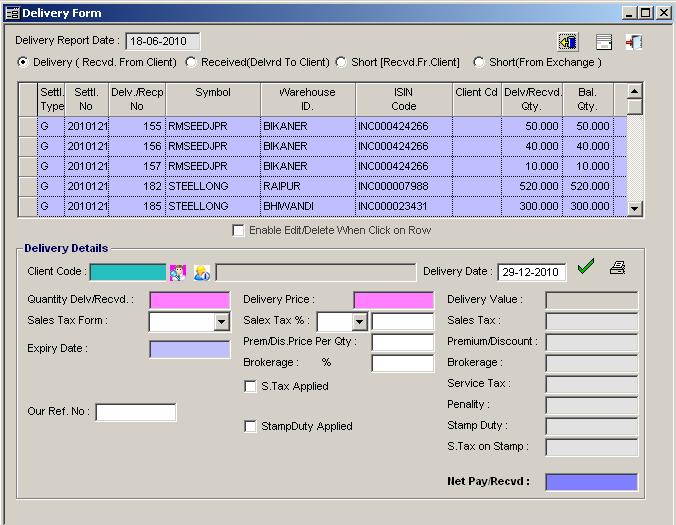
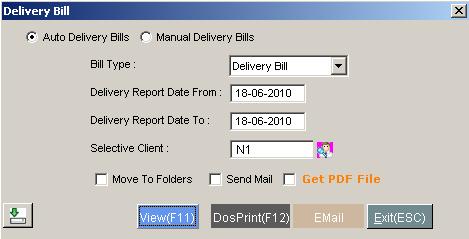
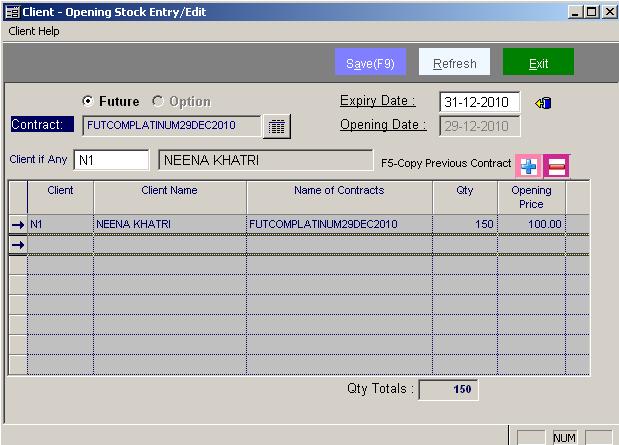
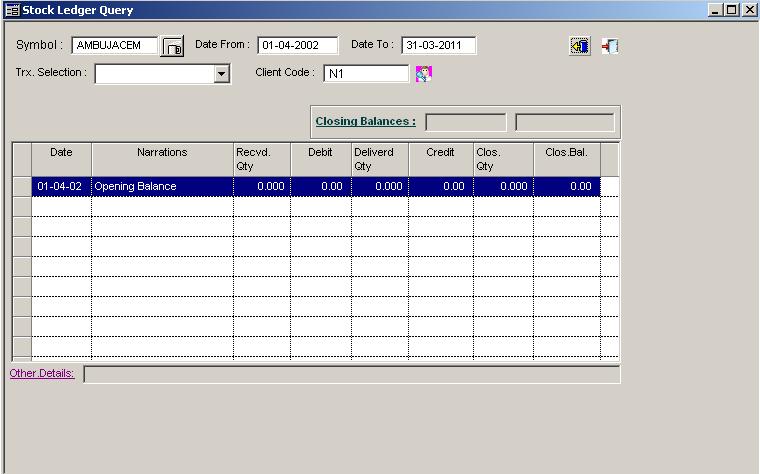
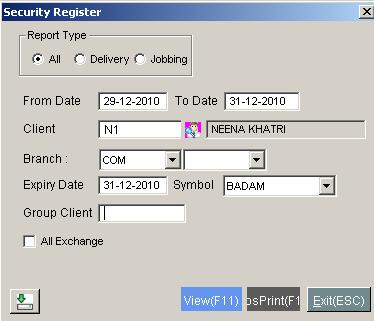
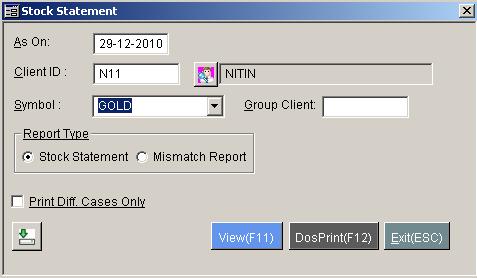
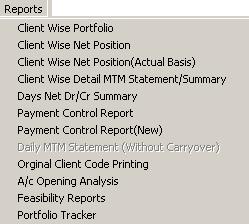
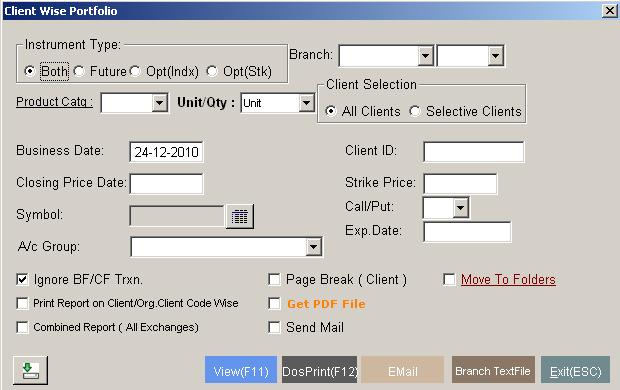
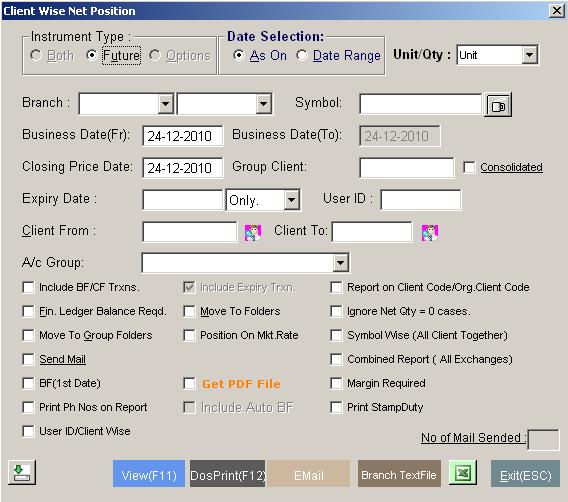
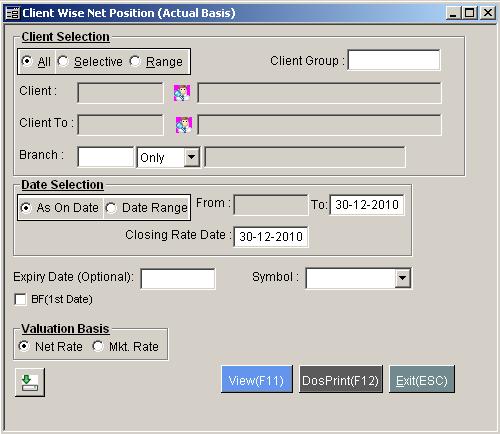
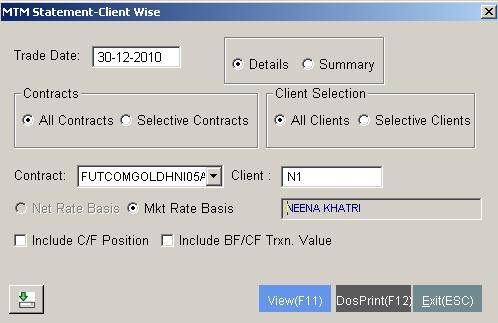
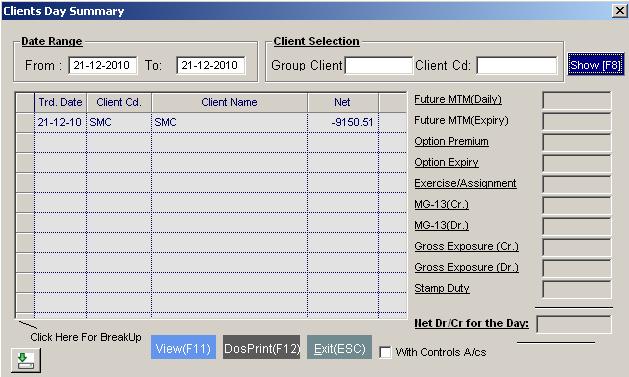
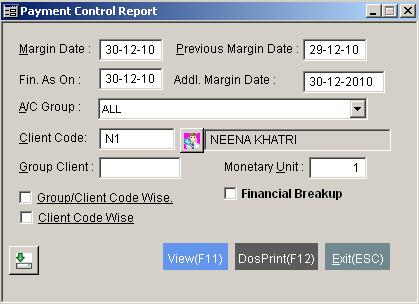
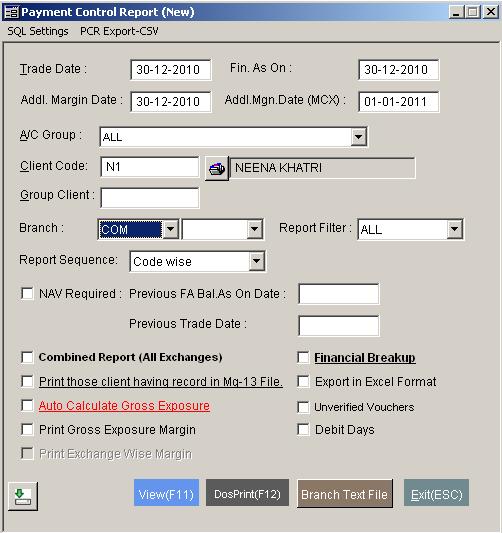
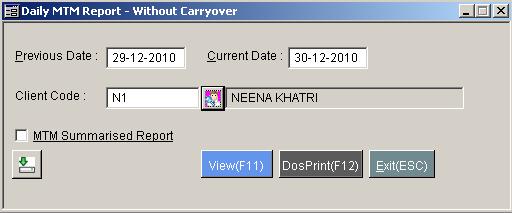
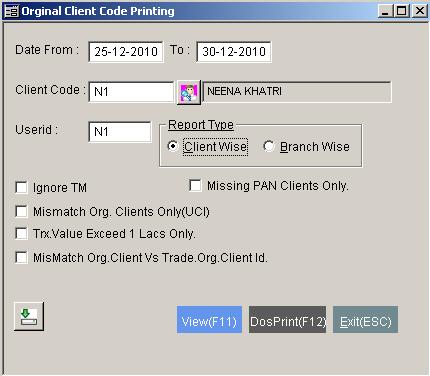
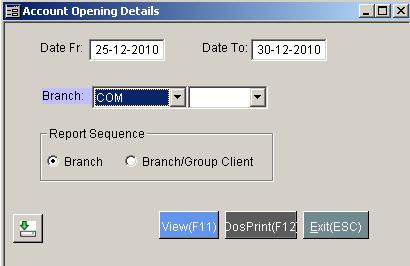
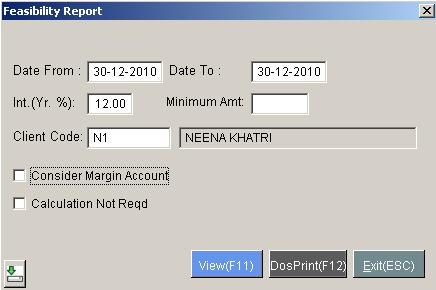
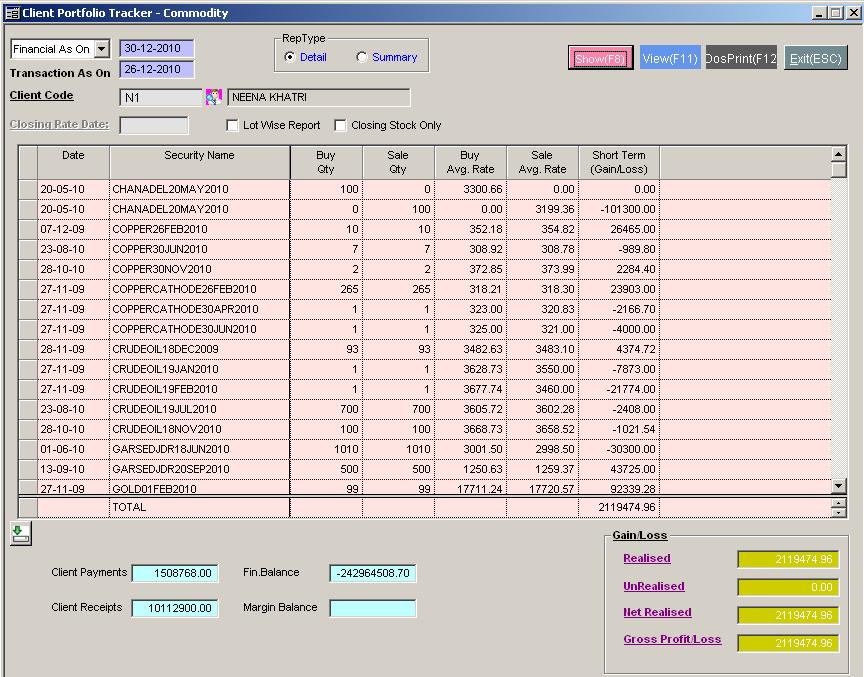
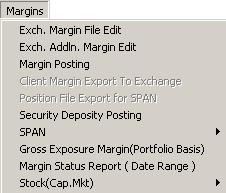
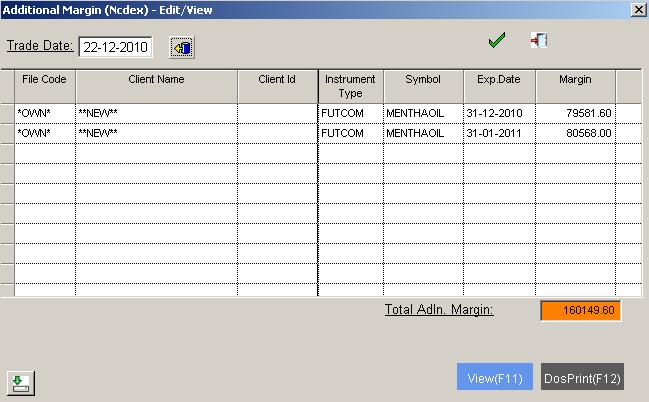
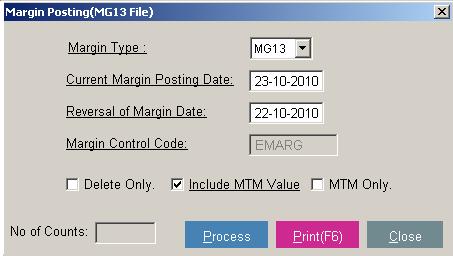
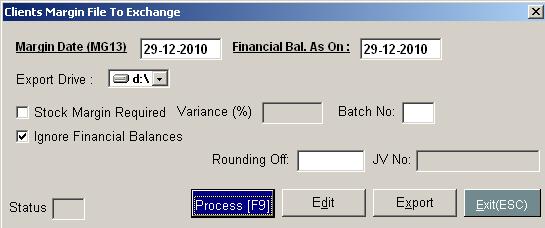
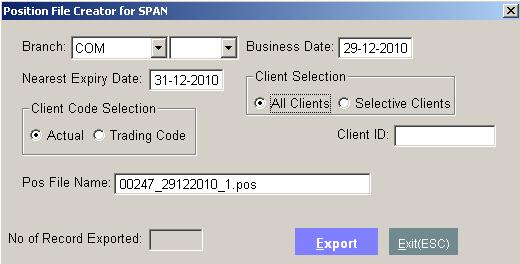
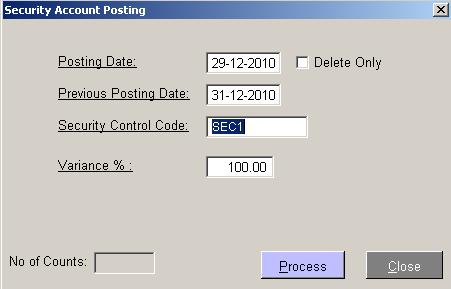
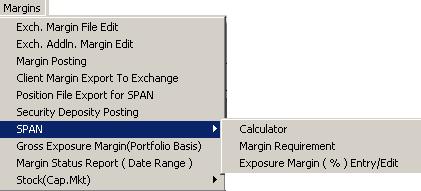
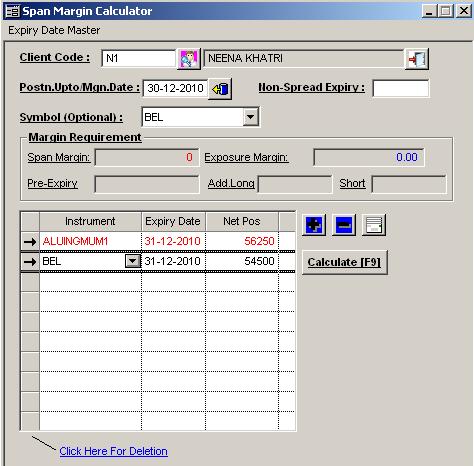
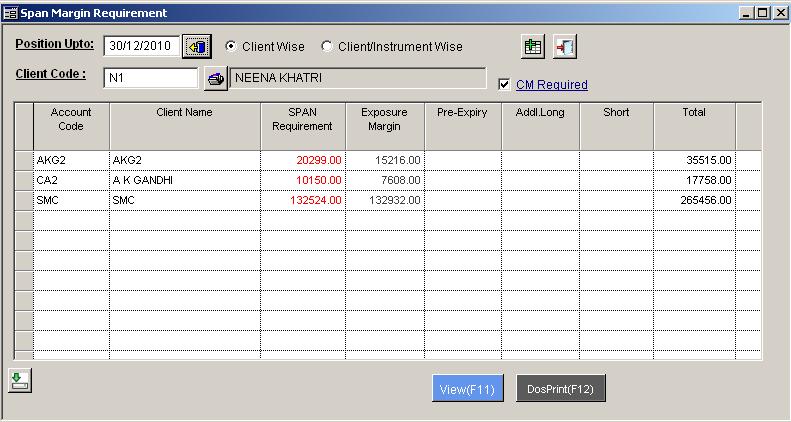
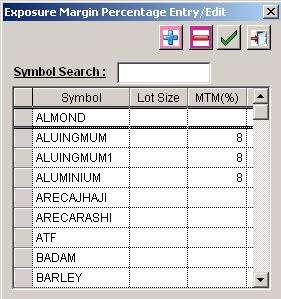
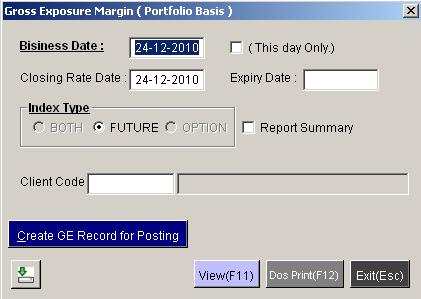
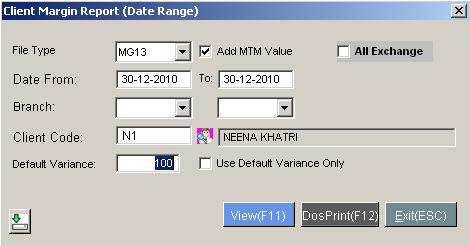
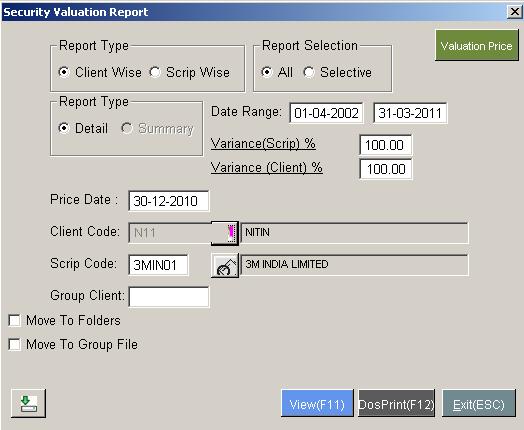


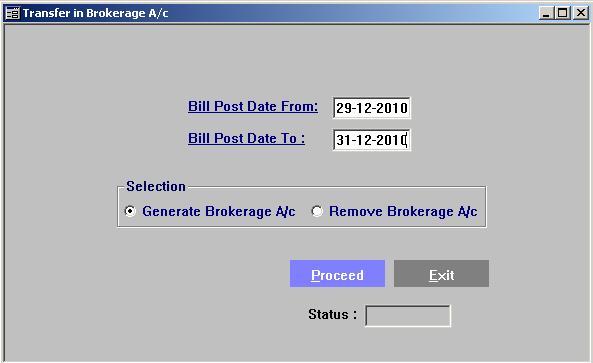
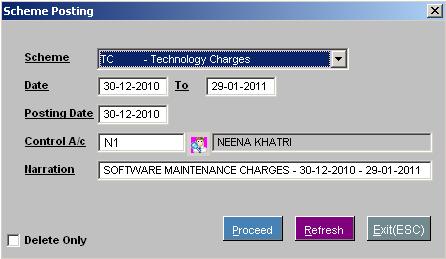
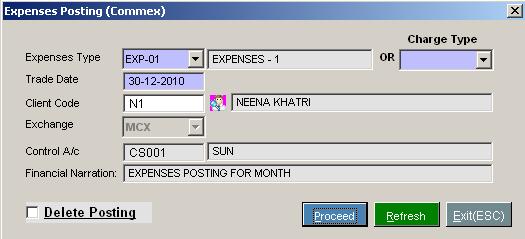
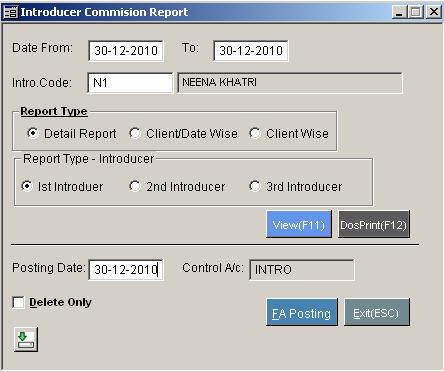
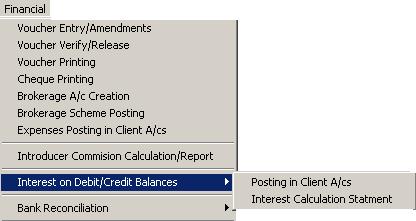
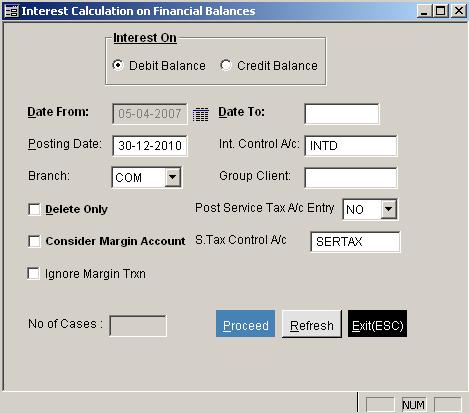
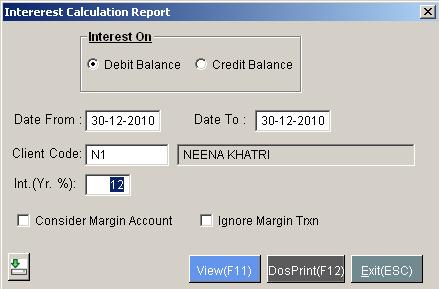
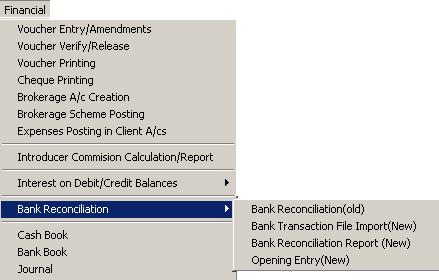
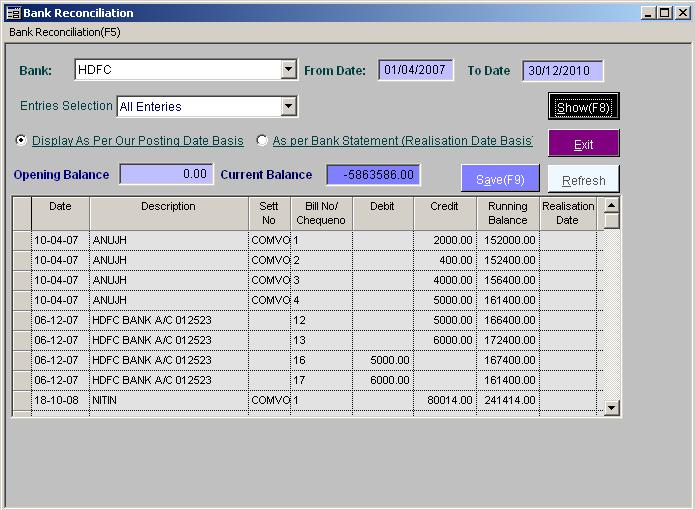
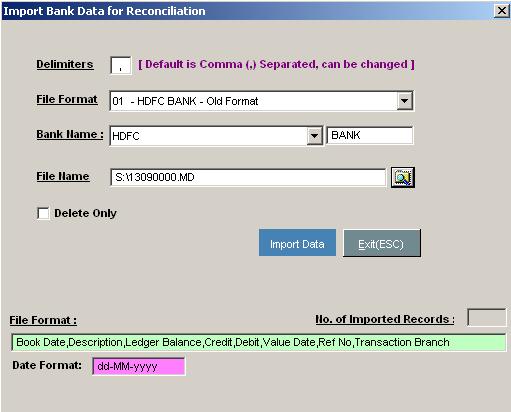
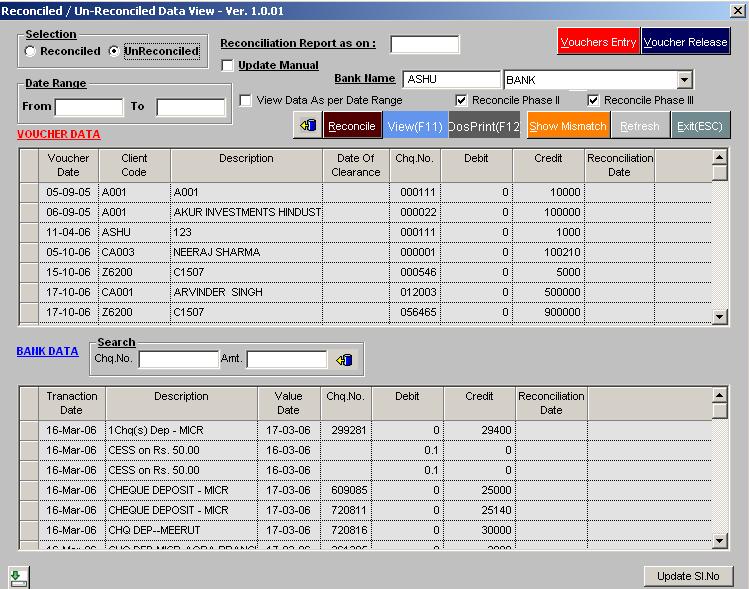
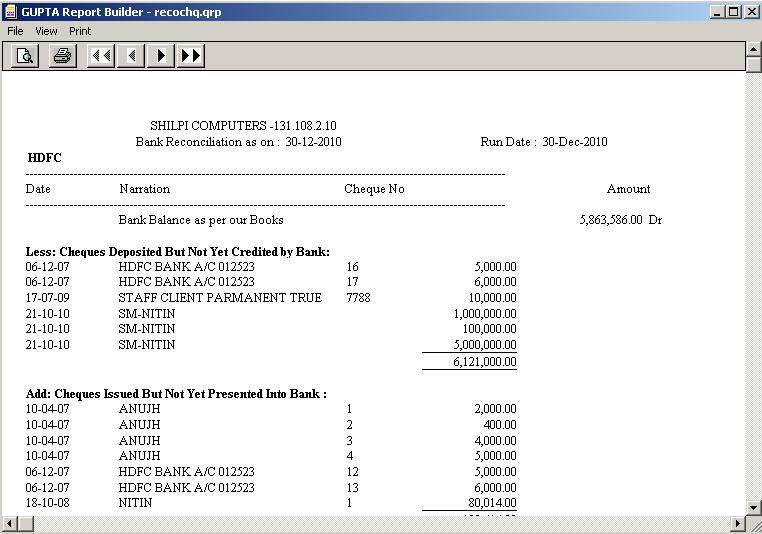
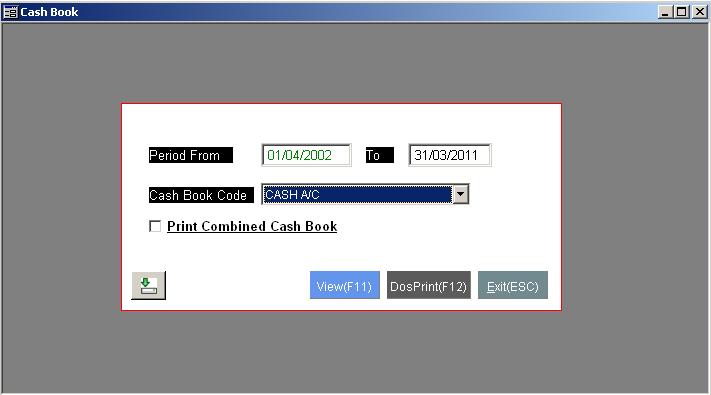
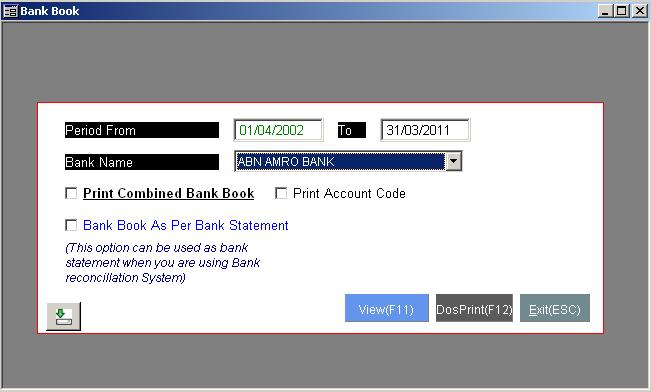
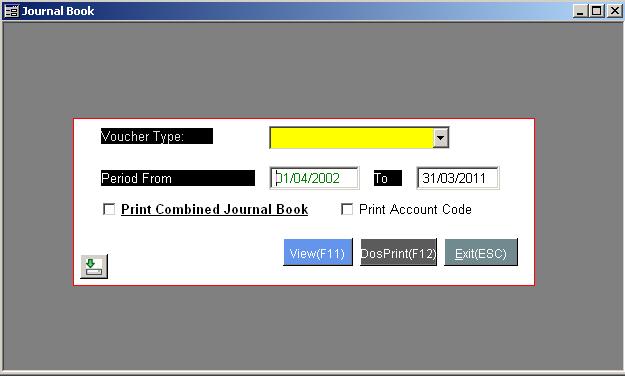
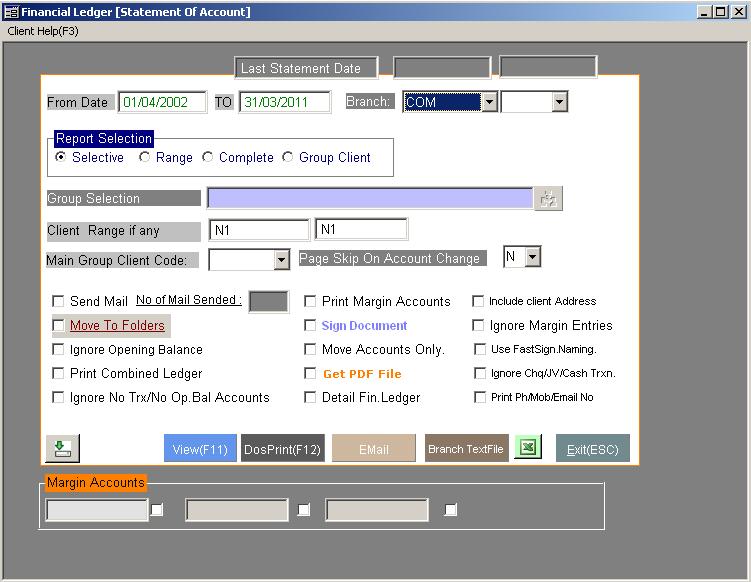
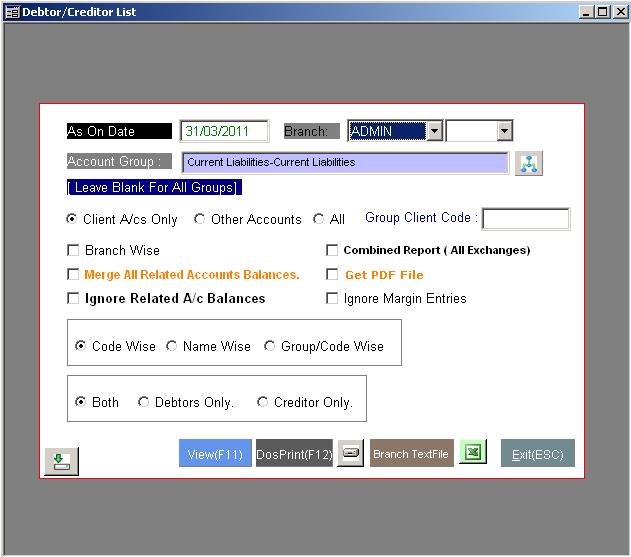
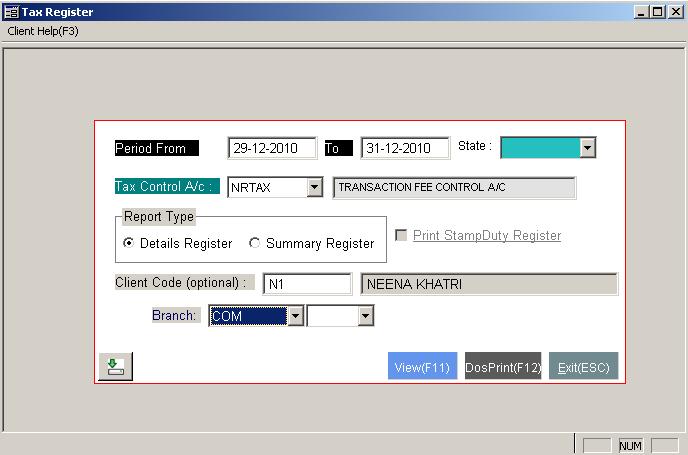
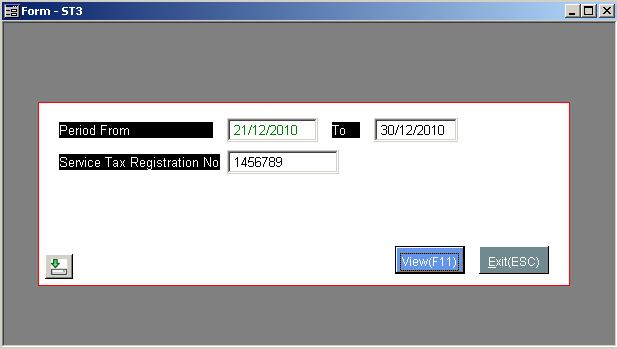
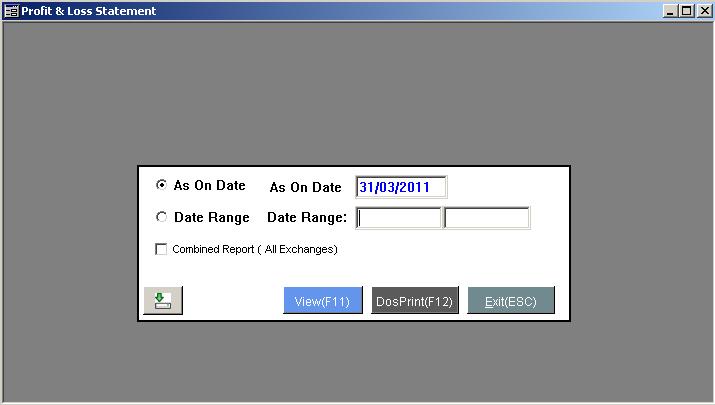
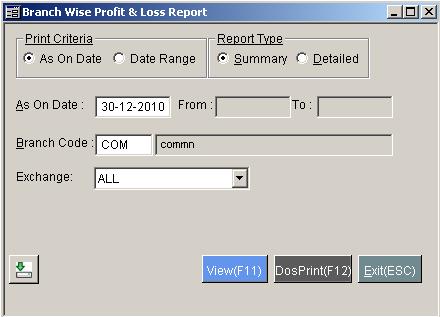
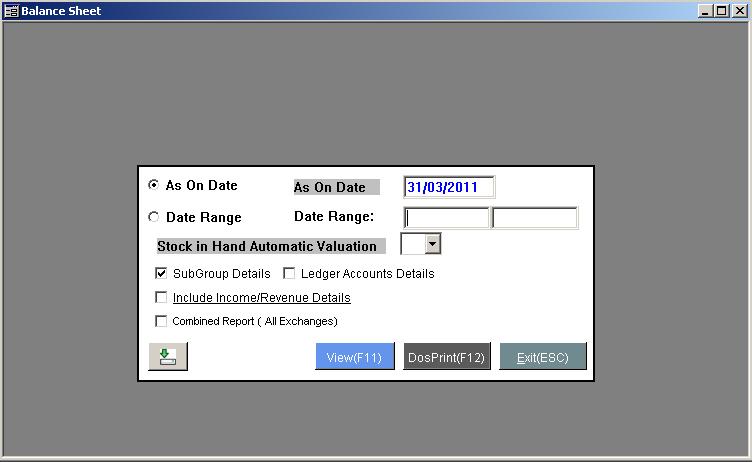
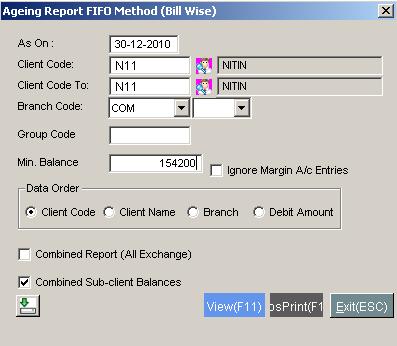
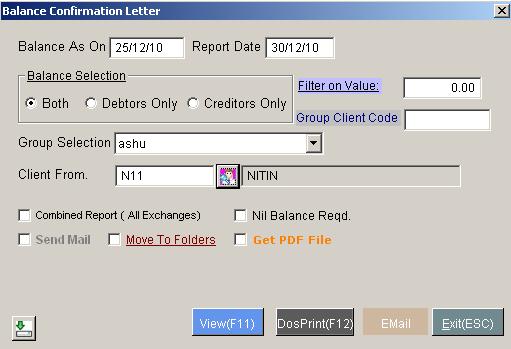
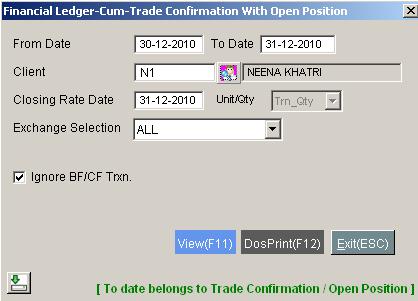
Click On view to view/print report. Report (as shown below) will open
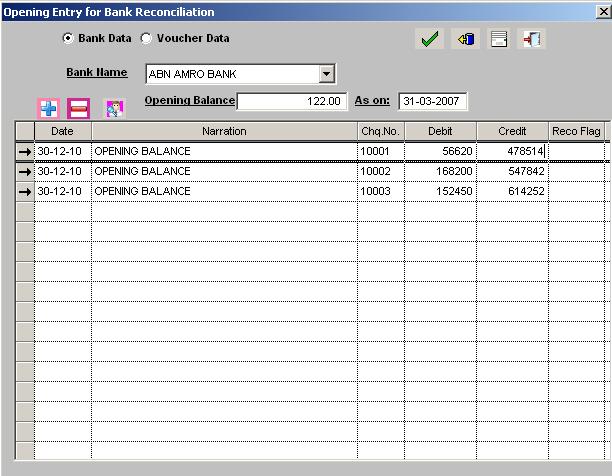



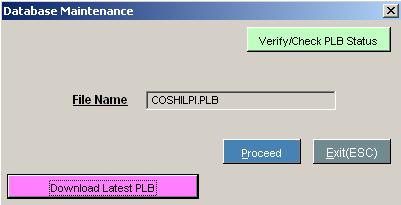
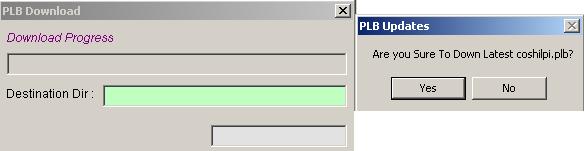
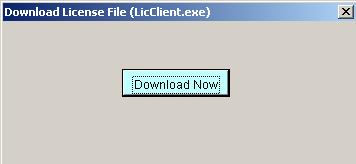
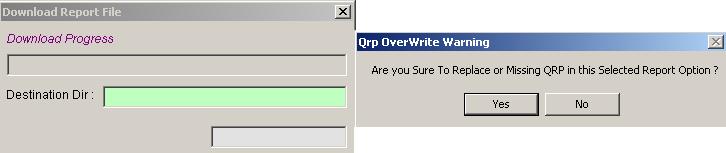









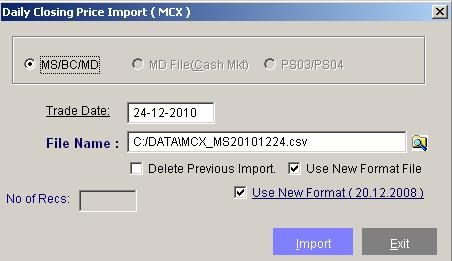
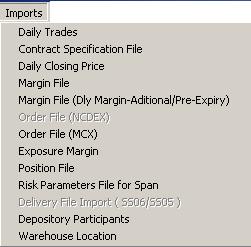
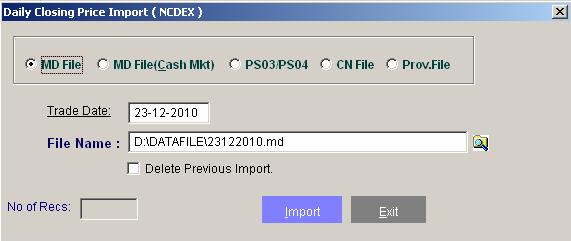
Note:Copy all these file in data file folder to pick it by default. After downloading these files from ftp or from terminal please follow the steps described below.
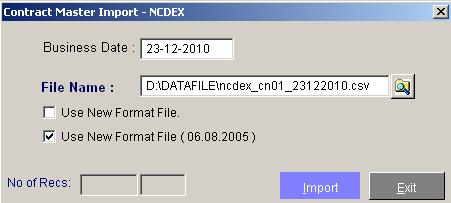
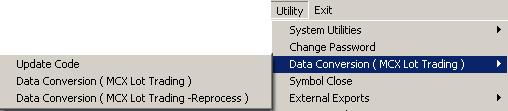
To add commodities and its contract schedule.No need to remember the file names.
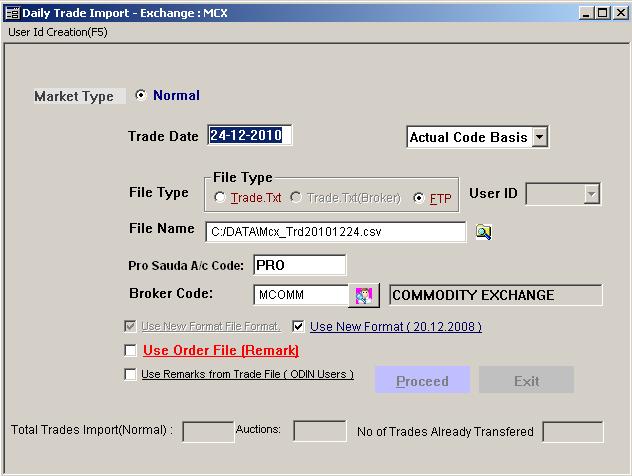
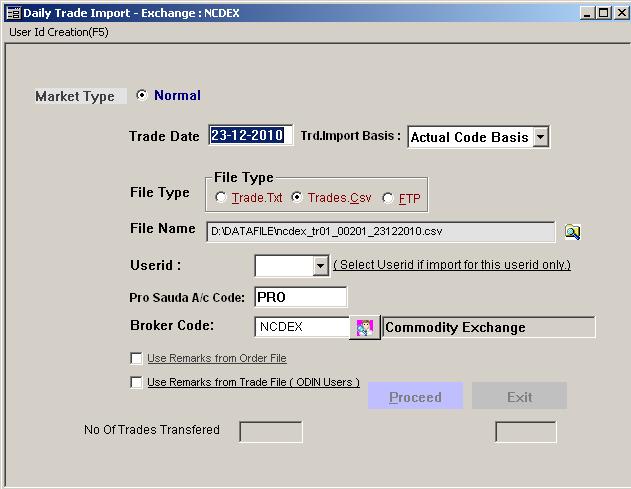
Whatever trades we do on front office terminal daily, goes in to trade file folder in front office and we have to import it into our back office software for further process. The file named Tradecom.txt contains all the trades done on front office terminal